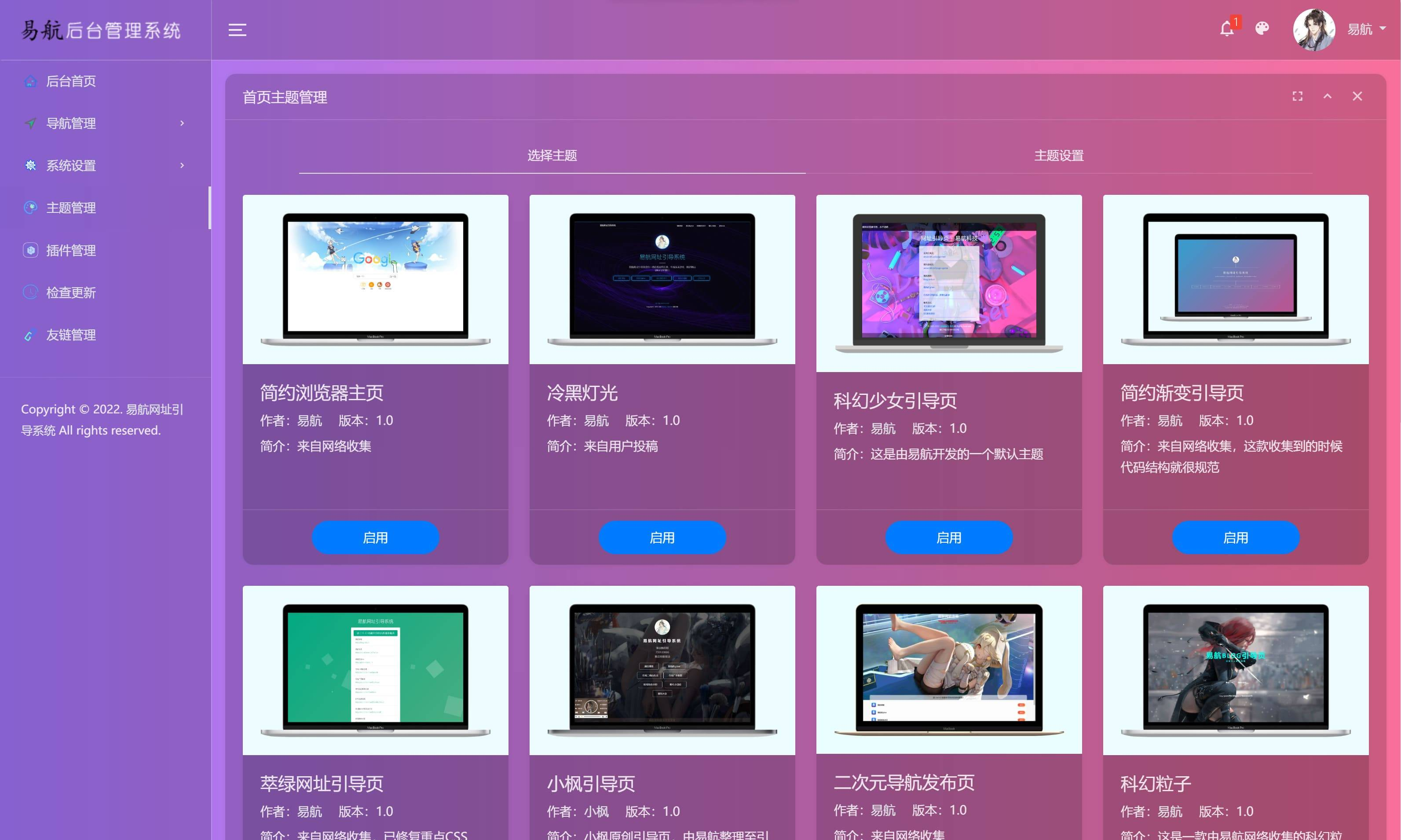
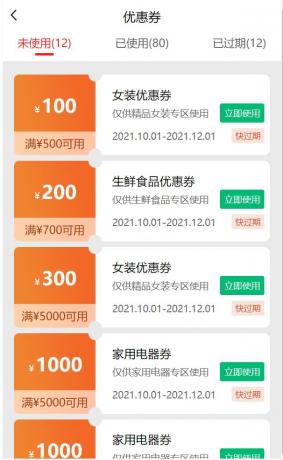
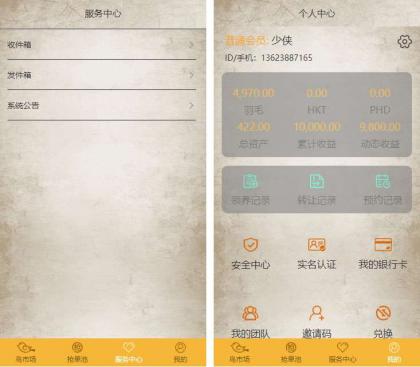
演示效果:部分代码:<!DOCTYPE html PUBLIC "-//W3C//DTD XHTML 1.0 Transitional//EN" "http://www.w3.org/TR/xhtml1/DTD/xhtml1-transitional.dtd">
<html xmlns="http://www.w3.org/1999/xhtml">
<head>
<meta http-equiv="Content-Type" content="text/html; charset=utf-8" />
<title>演示:SweetAlert - 演示6种不同的提示框效果</title>
<meta name="keywords" content="提示框插件,SweetAlert" />
<meta name="description" content="SweetAlert可以替代Javascript原生的alert和confirm等函数呈现的弹出提示框,它将提示框进行了美化,并且允许自定义,支持设置提示框标题、提示类型、内容展示图片、确认取消按钮文本、点击后回调函数等。" />
<link rel="stylesheet" type="text/css" href="sweetalert.css"/>
<style>
.demo{width:300px; margin:60px auto 10px auto}
@media only screen and (min-width: 420px) {
.demo{width:500px; margin:60px auto 10px auto}
}
button, .button {
background-color: #AEDEF4;color: white;border: none;box-shadow: none;
font-size: 17px;font-weight: 500;font-weight: 600;
border-radius: 3px;padding: 15px 35px;margin: 26px 5px 0 5px;cursor: pointer; }
button:hover, .button:hover {background-color: #a1d9f2; }
</style>
</head>
<body>
<div class="demo">
<div class="demo_1">
基本示例:<button>点击这里</button>
</div>
<div class="demo_2">
提示成功:<button>点击这里</button>
</div>
<div class="demo_3">
提示失败:<button>点击这里</button>
</div>
<div class="demo_4">
提示确认:<button>点击这里</button>
</div>
<div class="demo_5">
定义内容:<button>点击这里</button>
</div>
<div class="demo_6">
确认输入:<button>点击这里</button>
</div>
</div>
<script type="text/javascript" src="jquery.js"></script>
<script type="text/javascript" src="sweetalert.min.js"></script>
<script type="text/javascript">
$(function() {
$(".demo_1 button").click(function() {
swal("这是一个信息提示框!");
});
$(".demo_2 button").click(function() {
swal("Good!", "弹出了一个操作成功的提示框", "success");
});
$(".demo_3 button").click(function() {
swal("OMG!", "弹出了一个错误提示框", "error");
});
$(".demo_4 button").click(function() {
swal({
title: "您确定要删除吗?",
text: "您确定要删除这条数据?",
type: "warning",
showCancelButton: true,
closeOnConfirm: false,
confirmButtonText: "是的,我要删除",
confirmButtonColor: "#ec6c62"
}, function() {
$.ajax({
url: "do.php",
type: "DELETE"
}).done(function(data) {
swal("操作成功!", "已成功删除数据!", "success");
}).error(function(data) {
swal("OMG", "删除操作失败了!", "error");
});
});
});
$(".demo_5 button").click(function() {
swal({
title: "Good!",
text: '自定义<span style="color:red">图片</span>、<a href="#">HTML内容</a>。<br/>5秒后自动关闭。',
imageUrl: "images/thumbs-up.jpg",
html: true,
timer: 5000,
showConfirmButton: false
});
});
$(".demo_6 button").click(function() {
swal({
title: "输入框来了",
text: "这里可以输入并确认:",
type: "input",
showCancelButton: true,
closeOnConfirm: false,
animation: "slide-from-top",
inputPlaceholder: "填点东西到这里面吧"
}, function(inputValue) {
if (inputValue === false)
return false;
if (inputValue === "") {
swal.showInputError("请输入!");
return false
}
swal("棒极了!", "您填写的是: " + inputValue, "success");
});
});
});
</script>
</body>
</html>
评论
5条评论1537915479 Lv.1
Chrome 132.0.0.0
Windows 回复
海南省海口市 电信
qq81363880 Lv.2
Chrome 109.0.5414.121
Windows 7 x64 Edition 回复
感谢楼主
,好人一生平安
河南省新乡市 联通
zmiocc Lv.1
Chrome 102.0.0.0
Windows 回复
感谢楼主
,好人一生平安
浙江省嘉兴市 电信
qq81363880 Lv.2
Chrome 97.0.4692.99
Windows 回复
感谢分享
河南省平顶山市叶县 电信
上海网站建设 Lv.1
Chrome 108.0.5359.95
Windows 回复
感谢分享
中国 铁通